We use cookies to understand how visitors use this site. You can accept or decline analytics cookies.

OneMenu
Modern Dining Made Simple

QR ordering and table payment for restaurants

Let guests view your menu, order, and pay from their phone — no app to download, no waiting on staff.

No credit card required•Setup in under 10 minutes

Prefer a walkthrough? Book a demo

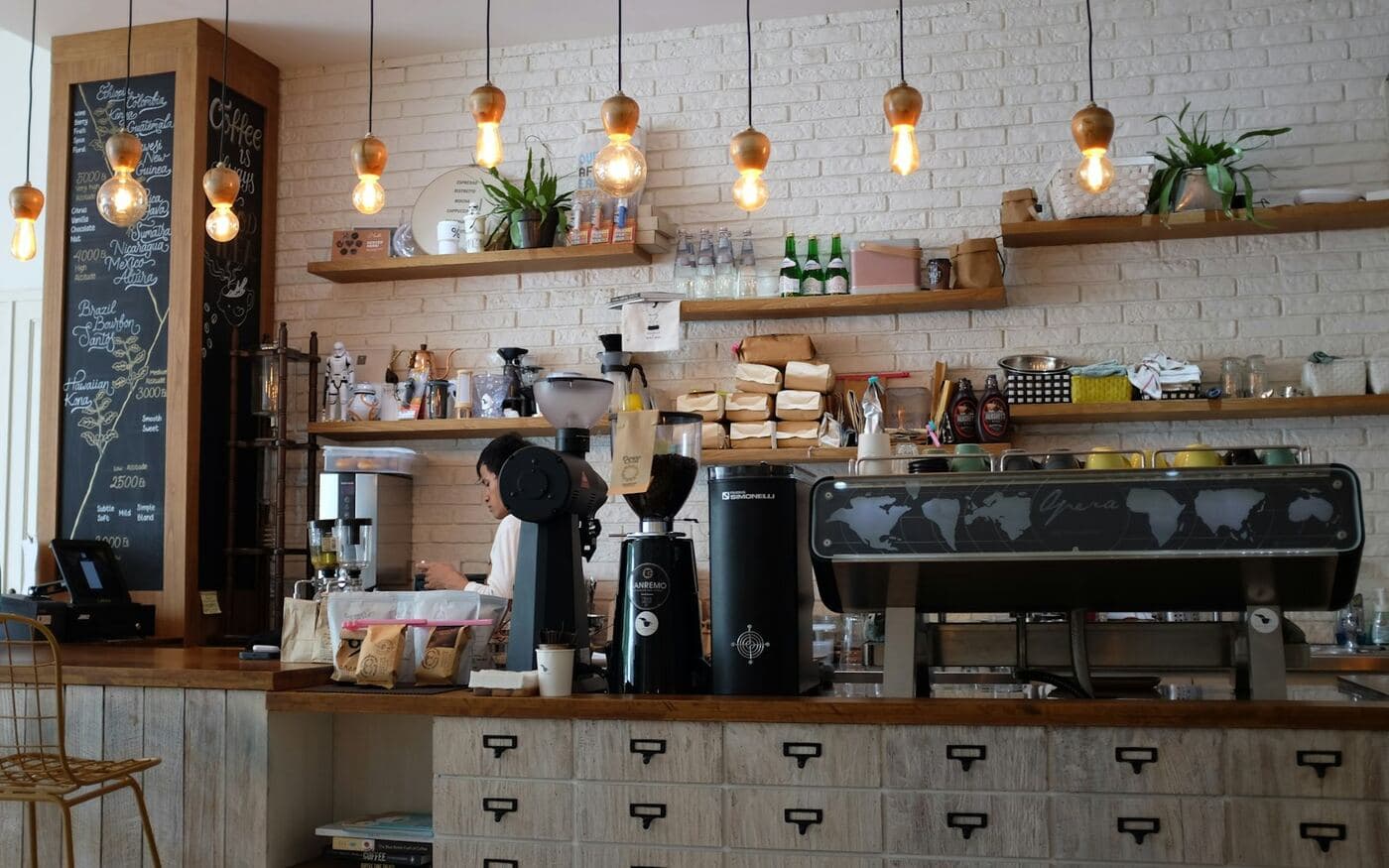
Guests using OneMenu at a restaurant table

In short

OneMenu is a cloud-based digital menu and ordering platform for restaurants, cafés, food trucks, salons and other small businesses. Customers open an interactive menu, place orders — including on WhatsApp — and view their bill in their phone's browser, without downloading an app.

No app download

Faster table turnover

Set up in minutes

Happier guests

How it works

Live in three simple steps

See all five steps
  1. 1

    Add your menu or price list

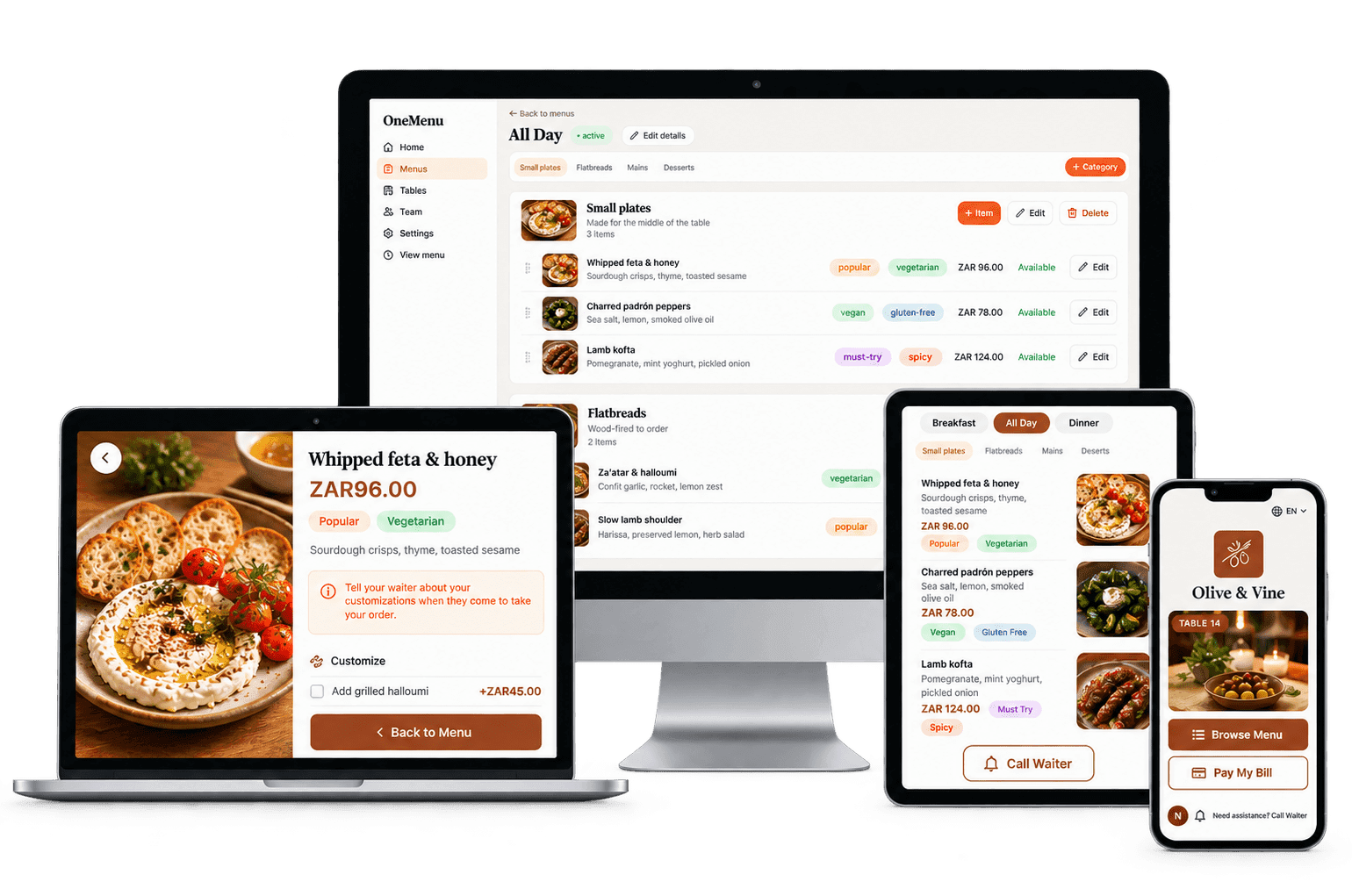
    Type it in, or upload a photo or PDF and AI drafts it for you to check.

  2. 2

    Print your QR code and share your link

    Put it on tables, counters and doors, and in your Instagram bio and WhatsApp status.

  3. 3

    Take orders and bookings

    Customers browse and order from their phone, and everything lands on one live board.

Made for

Made for any business with a menu or a price list

See every business type
QR menus

Contactless QR Code Menus — Fast, App-Free Dining

Guests scan the code on the table and your full menu opens in their phone's browser — photos, prices and dietary tags, in your own branding. Change a price and every table sees it straight away.

In every menu

  • Photos & dietary tags
  • Menus by time of day
  • Your branding
  • Guest languages

Already have a menu? Upload photos or a PDF and we'll build the digital version for you to review.

Orders

Every order, one board

Take orders at the table, over the counter, for collection, or for delivery — and follow every one from the kitchen to the customer in one place.

Four ways to order

  • Dine-in
  • Takeaway
  • Counter
  • Delivery

Guest ordering and live order status are optional — switch each on per restaurant under Settings.

Live in under 10 minutes

Add your menu, print your QR codes and have guests browsing it today.

No credit card required · Setup in under 10 minutes

WhatsApp orders

Automated WhatsApp Food Ordering for Restaurants & Takeaways

Customers build their order on your menu and send it to your WhatsApp in one tap — every item, price and total written out. It lands on your orders board too, so nothing gets lost in the chat.

WhatsApp ordering is optional — turn it on in Settings once your WhatsApp number is added.

Reservations

Table Reservations & Booking Management

Guests book online, staff add phone bookings, and OneMenu picks the table, confirms the booking and sends the reminder.

Switch reservations on per restaurant under Settings › Reservations. A walk-in waitlist is coming soon.

See All Features→

See it live

Open a real OneMenu page

These are demo businesses running on OneMenu. Open one on your phone and browse it exactly as a customer would.

Demo businesses are made up, so nothing you order or book is real.

Compare

OneMenu vs paper menus and delivery apps

How a digital menu and ordering platform compares with printed or PDF menus and third-party delivery apps.

OneMenu compared with paper or PDF menus and third-party delivery apps
FeaturePaper or PDF menuThird-party delivery appsOneMenu
App download for customersNoYes — the delivery appNo — opens in the phone's browser
Commission per order0%Typically 15–30%0% — flat monthly plan
Menu and price updatesReprint and waitThrough the app's partner portalLive in seconds
Orders and customer detailsNot capturedHeld by the delivery appIn your own account
Ways to orderThrough a waiterDelivery and collection in the appDine-in, takeaway, counter, delivery and WhatsApp
Equipment neededPrinted menusOften the app's own tabletAny phone, tablet or computer

Delivery-app commission is a typical range — check each provider's current terms.

Pricing

Plans from AED 99 a month

Every plan starts with a free 14-day trial. No credit card needed.

Common questions

No. Guests do not need to download an app to use OneMenu, and neither do staff. Customers scan the QR code with their phone's camera and the digital menu opens straight away in their mobile browser, such as Safari or Chrome.

Start free trial